Independent Brand-Specific Printer Help
OKI Printer Support and Setup Guidance
Get guidance for compatible OKI printers, drivers and print-quality questions.
Independent support provider. We are not the printer manufacturer. Remote support is available nationwide; any onsite appointment must be confirmed for your ZIP code before booking.
Model-specific OKI printer support matters
Check the device model, media settings, consumables and official driver package before troubleshooting. A brand name alone is not enough to select a driver or troubleshooting procedure. Record the complete model identifier, region variant and operating-system version before downloading software or resetting network settings.
Check official compatibility
Use the manufacturer's official support resources to confirm software, firmware and feature compatibility for the OKI model. NextGenAssist is an independent third-party provider, not the manufacturer.
Know when remote help is suitable
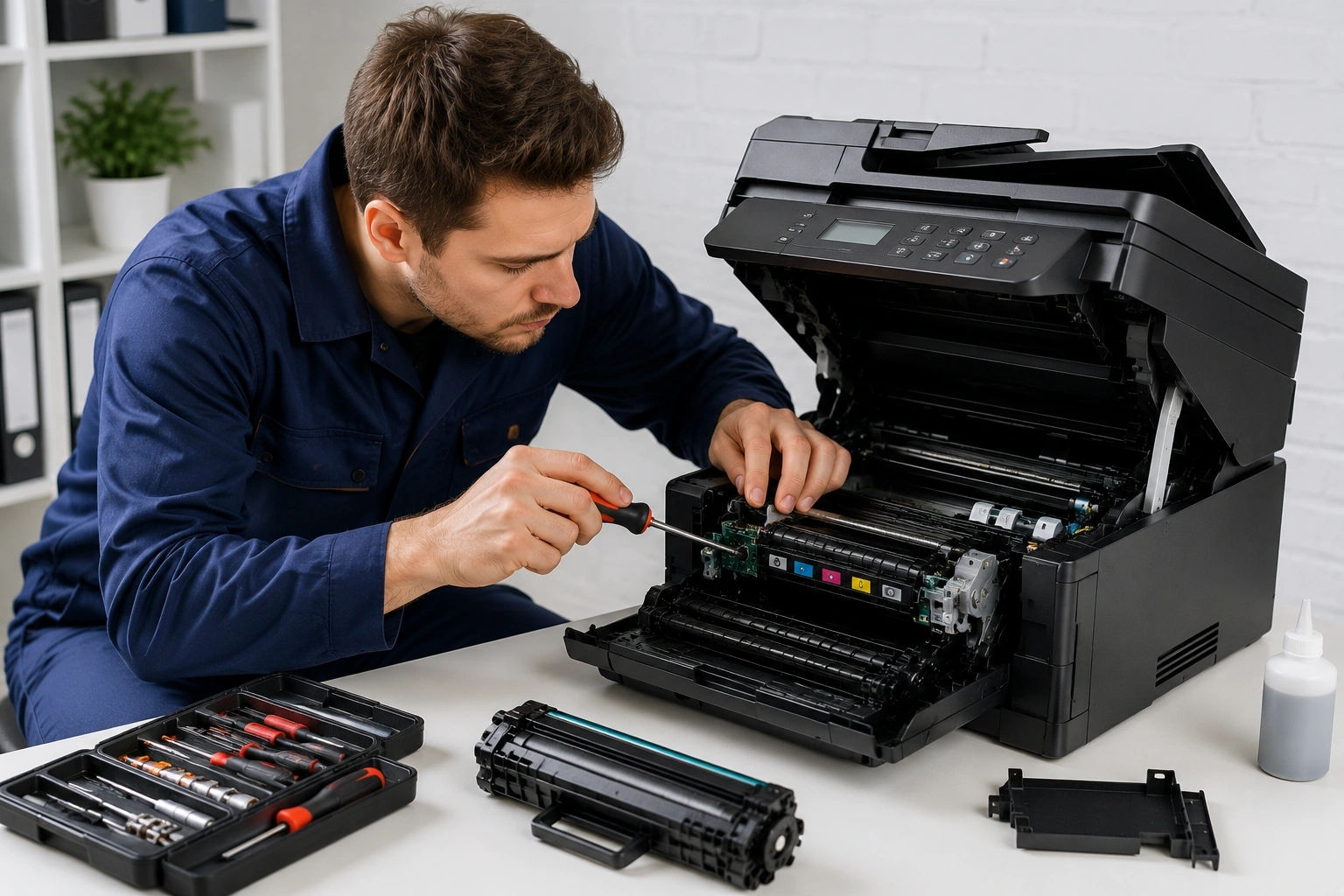
Remote guidance may help with setup, drivers, print queues and network configuration. Physical faults, damaged components or consumable replacement may need hands-on service.
Common OKI setup and troubleshooting topics
Customers commonly need help with wireless onboarding, computer discovery, driver selection, print quality, scan workflows and shared printing. The right diagnostic sequence depends on the device family and how it is connected.
Before changing settings
- Find the complete OKI model number on the printer label or settings page.
- Confirm whether the computer uses Windows, macOS, ChromeOS or a mobile operating system.
- Identify USB, Wi-Fi or Ethernet as the current connection method.
- Check the exact error and whether it affects printing, scanning or both.
- Use only manufacturer-published drivers and instructions for the model.
Independent support and manufacturer resources
NextGenAssist can provide independent guidance for supported OKI printer setup and common technical issues. For warranty claims, recalls, proprietary parts, firmware recovery or manufacturer-only account services, contact the printer maker directly. Do not assume third-party support changes manufacturer warranty terms.
Helpful preparation tips
- Do not share printer administrator passwords or personal account credentials.
- Keep the printer firmware version and computer operating-system version available.
- Avoid unofficial driver sites and unsolicited remote-access offers.
- Confirm the proposed service scope and price before authorizing support.
Need help with oki printer support?
Contact NextGenAssist with your printer model and the exact issue. The team can confirm whether remote support is suitable.
Frequently Asked Questions
Is this the official OKI Printer Support manufacturer support site?
No. NextGenAssist is an independent third-party support provider and is not the OKI Printer Support manufacturer or its authorized service center.
What details are needed for OKI Printer Support printer help?
Have the full model number, operating system, connection type and exact error message ready. Do not share passwords or sensitive account details.
Can every printer issue be fixed remotely?
No. Software, driver and connectivity issues may be suitable for remote guidance, while physical damage or component replacement can require hands-on service.
Service note: NextGenAssist is an independent support provider and is not affiliated with HP, Canon, Epson, Brother, or other printer manufacturers. Support scope, pricing, remote access and any onsite availability are confirmed before work begins.