“I was having trouble getting my new printer installed and connected to my computer. The support was clear, straightforward, and easy to follow.”
Michael R.
Home User
NextGenAssist · United States
Service availability and onsite options are confirmed for each request before scheduling.
Printer problems can happen at the worst possible time. Your printer may suddenly appear offline, stop
connecting to Wi-Fi, refuse to print, display an error message, or fail to work with your computer.
Setting up a new printer can also be confusing when drivers, software, network settings, and device
permissions are involved.
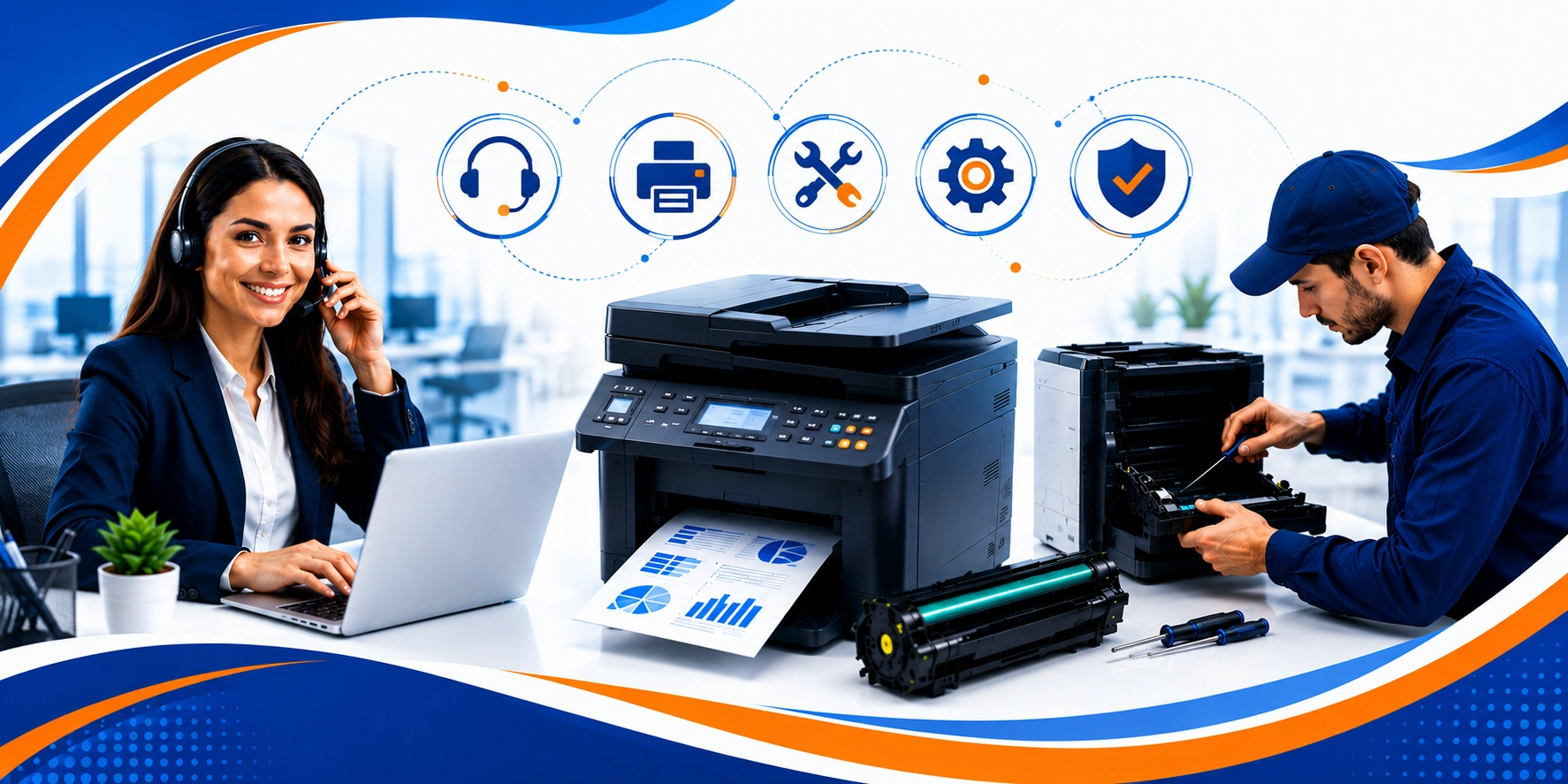
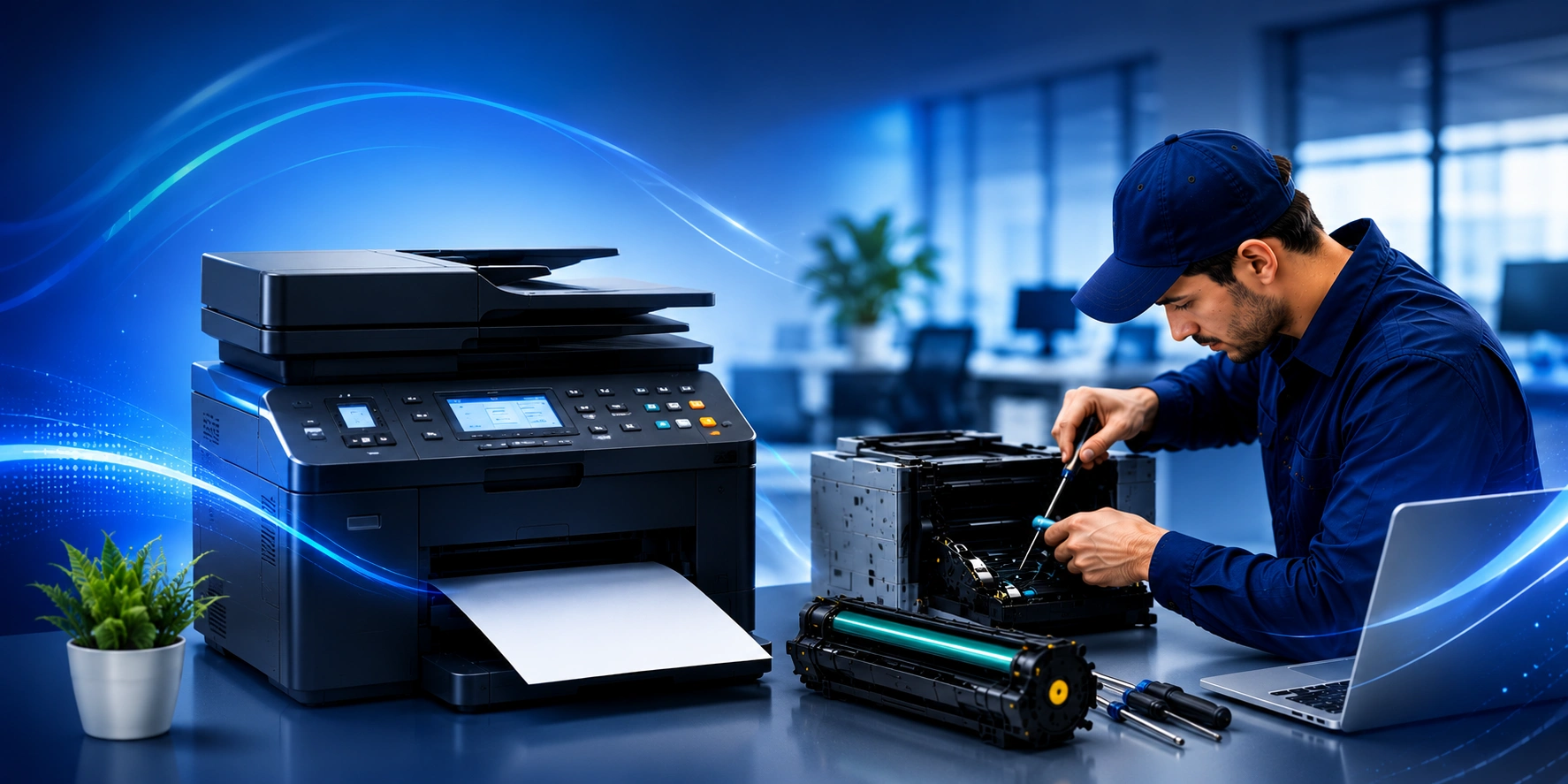
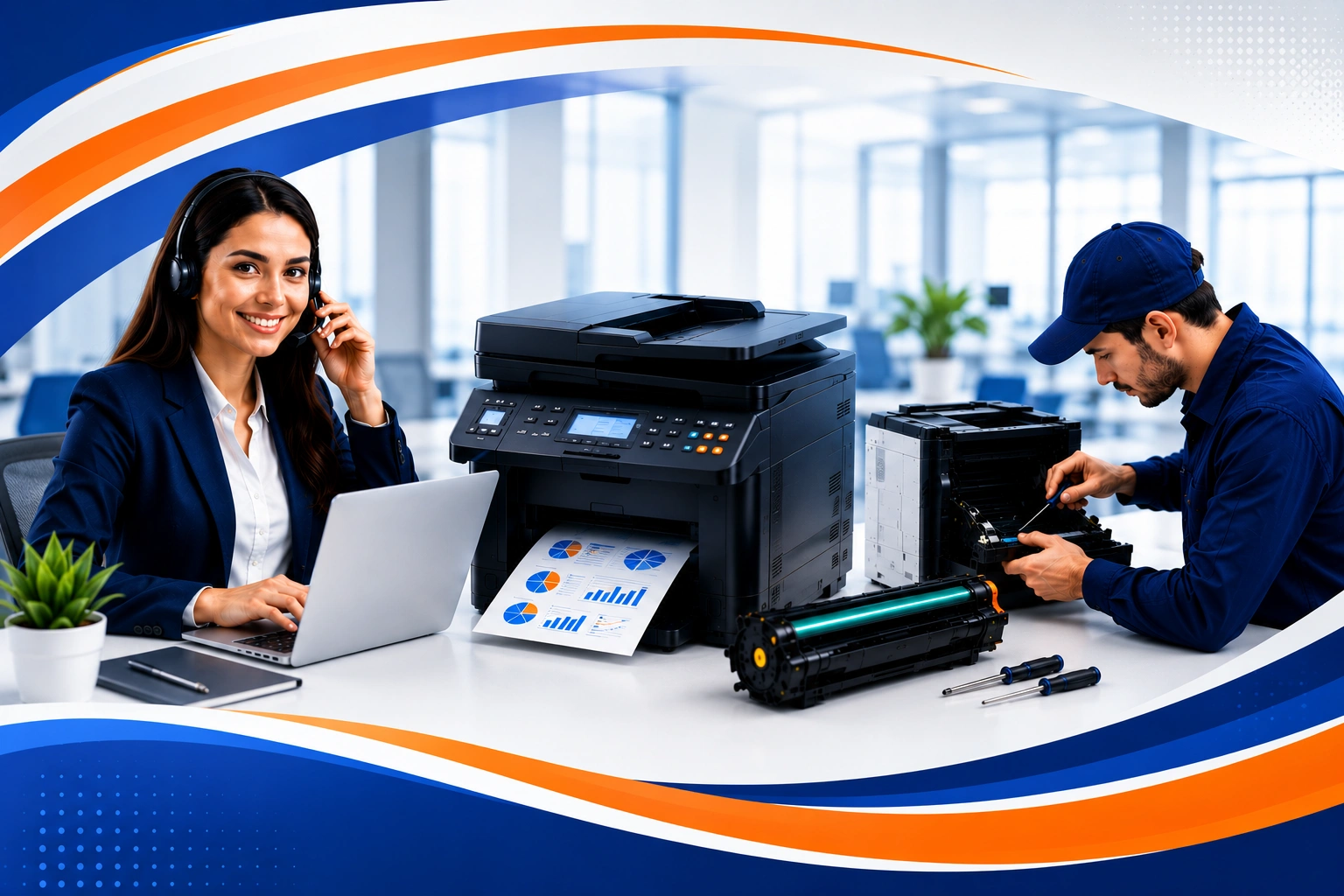
NextGenAssist provides printer support services in the USA to help home users, remote workers, students,
and businesses troubleshoot common printer problems and get their devices configured properly. Whether
you need help setting up a printer, resolving a connection problem, installing drivers, or
troubleshooting printing and scanning issues, our support team can guide you through the process.
Printer problems are not always caused by the printer itself. A connection setting, outdated driver, print queue, software configuration, or network issue can prevent a working printer from communicating with your computer. Our support focuses on identifying the underlying problem and providing practical steps to get your printer working again.


Many common issues involve software, drivers, device settings, Wi-Fi connections, network configuration, or communication between the printer and computer. These problems can often be investigated through guided or remote technical assistance. With online printer support, you can receive step-by-step help without having to disconnect your printer and take it somewhere for assistance. Whether you are setting up a new printer or trying to understand why an existing printer has stopped working, the goal is simple: identify the problem, explain what is happening, and help you take the appropriate next step.
NextGenAssist provides affordable and scalable customer care services in the USA designed around the specific requirements of businesses. Our customer support solutions help businesses manage customer enquiries, technical queries, appointment scheduling, and routine administrative tasks efficiently. With outsourced customer support, technical help desk support, live chat support, and appointment management services, NextGenAssist helps businesses maintain consistent customer communication while allowing their internal teams to focus on core business operations. Our flexible support solutions can adapt to changing customer service requirements as your business grows.

Get guidance with the basic configuration required to prepare a new printer for use, including supported connection and software setup.
We can assist with installing printer software and configuring the printer with supported computers and operating systems.
Connect a compatible wireless printer to your Wi-Fi network and troubleshoot common connection problems.
Identify common causes of printing failures, offline status, connectivity problems, software issues, and configuration errors.
Get assistance with installing, updating, or troubleshooting printer drivers when your computer is not communicating correctly with the printer.
Configure supported printers for use over a home or office network and troubleshoot common communication problems.
Get help investigating issues that affect printing or scanning when the underlying cause is related to supported software, configuration, or connectivity.
Getting technical help should not make the problem more complicated. Our support process is designed to keep things straightforward.
Start by explaining the printer problem. If possible, provide the printer brand and model, the device you are printing from, and any error message you see.
The next step is to check the relevant connections, settings, drivers, software, and configuration. The goal is to determine whether the issue is related to the printer, computer, network, or software.
Once the likely cause has been identified, you can follow the appropriate troubleshooting or configuration steps with guidance from our support team.
A test print or other appropriate check helps confirm whether the issue has been resolved and whether the printer is communicating correctly with the connected device.
“I was having trouble getting my new printer installed and connected to my computer. The support was clear, straightforward, and easy to follow.”
“My printer suddenly stopped connecting to Wi-Fi, and I had no idea what to check first. The support process helped me work through the connection settings step by step. The experience was straightforward and much less frustrating than trying different solutions on my own.”
“Our office printer was showing as offline even though it was powered on. The troubleshooting assistance helped identify the connection and printer settings that needed attention. I appreciated the clear explanations throughout the support experience.”
Contact NextGenAssist for printer setup, connectivity and troubleshooting guidance.
Printer problems can involve several connected components. We focus on understanding the actual issue rather than recommending random fixes.
From printer setup and driver problems to wireless connectivity and offline errors, our support covers many everyday printer issues.
When an issue can be addressed through software or configuration, remote assistance can provide a convenient alternative to taking the printer somewhere for help.
Technical instructions can be difficult to follow when you are already dealing with a problem. We aim to make troubleshooting easier to understand and follow.
Whether you use one printer at home or rely on printers as part of your business workflow, our support is designed around practical printer-related needs.
Remote support can be a good option when your printer is physically functioning but something is preventing it from working correctly with your computer or network. It may be appropriate for problems involving:
Remote support may not be suitable for physical damage, broken components, severe mechanical failures, or issues that require hands-on hardware repair.
Being clear about this distinction helps you choose the right type of assistance instead of spending time troubleshooting a problem that requires physical service.
We provide fast and reliable remote printer troubleshooting, installation, setup, and repair assistance across major U.S. cities.