Remote Support for Sacramento, CA
Remote Printer Support in Sacramento, CA
Looking for printer setup or troubleshooting help in Sacramento, CA? NextGenAssist provides remote guidance for compatible home and business printers, including Wi-Fi, driver, offline and print-quality questions.
Independent support provider. We are not the printer manufacturer. Remote support is available nationwide; any onsite appointment must be confirmed for your ZIP code before booking.
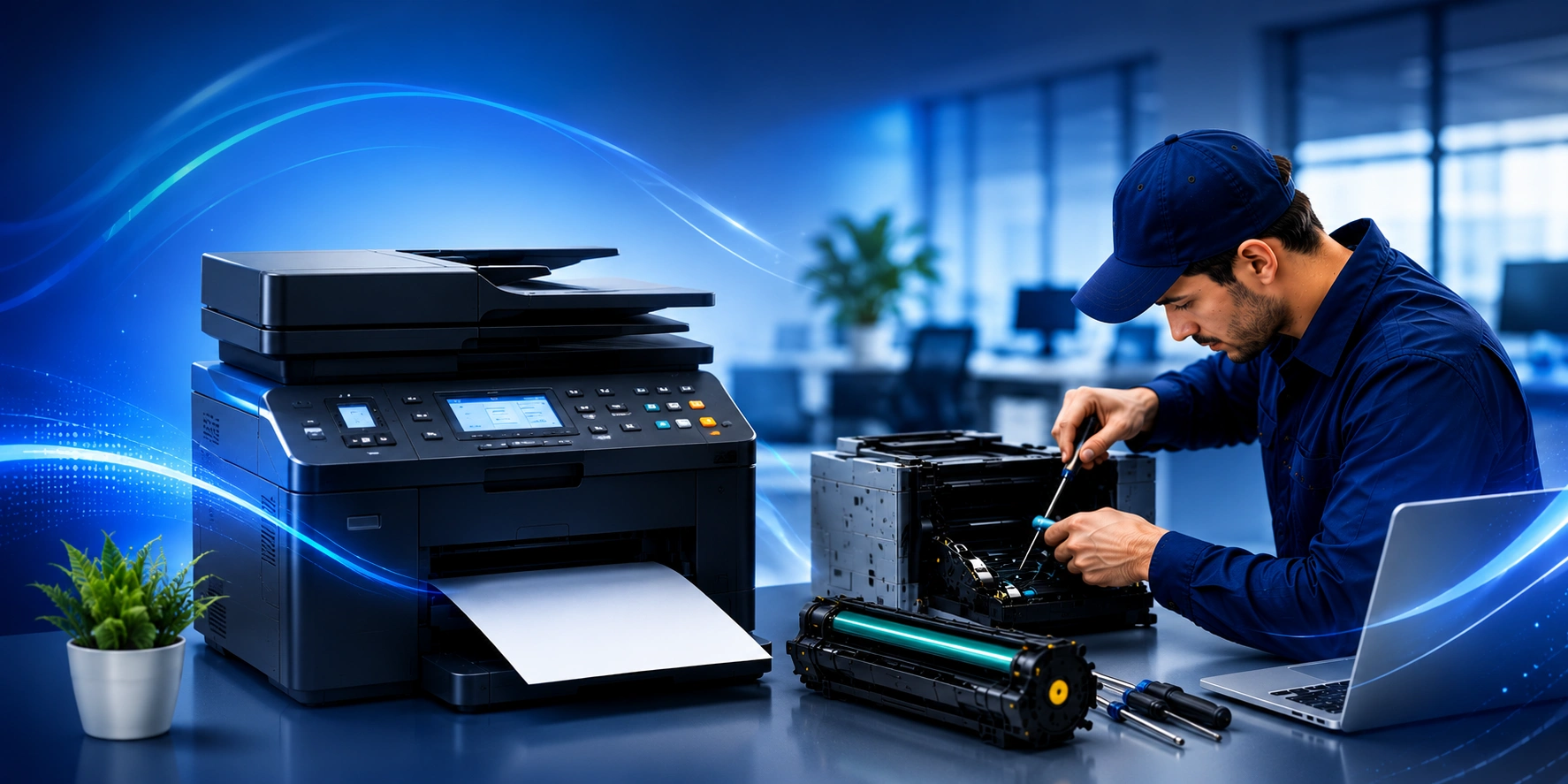
Printer help for Sacramento homes and businesses
People working from home, managing a small office or sharing a printer across devices in Sacramento may encounter driver, wireless, queue and scanning problems. The local context can vary across Downtown, Midtown, Natomas, Elk Grove. NextGenAssist supports customers in Sacramento remotely; this page does not represent a staffed office or walk-in repair shop in the city.
Remote help across the city
Remote troubleshooting can review supported printer settings, computer drivers, print queues and Wi-Fi configuration for users in Sacramento. A specialist first confirms the model and whether the issue is suitable for remote assistance.
Onsite service must be confirmed
NextGenAssist does not claim a physical office in this location. If hands-on work is needed, ask whether an onsite appointment can be arranged for your exact ZIP code. Do not assume technician coverage, arrival times or parts availability until confirmed.
Common printer support needs in Sacramento
Residents and businesses in Sacramento may use printers across government-adjacent offices, home workers and local businesses. Typical questions include connecting a new printer, restoring Wi-Fi after a router change, installing a correct driver, resolving offline status and configuring scan-to-computer workflows. The right solution depends on the exact device and network.
How to request printer support
- Share your ZIP code in Sacramento, the printer brand and full model number.
- Explain whether the issue affects printing, scanning, wireless setup or more than one device.
- Provide the operating-system version and connection type, but never send account passwords.
- Review the proposed remote troubleshooting steps and any applicable price before authorizing work.
- If hands-on service is required, request confirmation of onsite availability before scheduling.
Remote printer support for Sacramento and nearby communities
This page is intended for people searching for printer support in Sacramento, including those in or around Downtown, Midtown, Natomas, Elk Grove. Support is delivered remotely where the printer and network issue allow it. Neighborhood names describe the audience and service-area relevance; they are not office addresses or claims of a local storefront.
Helpful preparation tips
- Keep the printer connected to power and note any error shown on its display.
- Check whether the printer and computer are connected to the same permitted network.
- Use only manufacturer-approved drivers and model-specific maintenance instructions.
- Confirm onsite availability and total service cost before agreeing to an appointment.
Need printer help in Sacramento?
Contact NextGenAssist with your Sacramento ZIP code, printer model and the problem you are seeing. The team can confirm whether remote support is suitable and whether any onsite option can be arranged.
Frequently Asked Questions
Can I get remote printer support in Sacramento, CA?
Yes. NextGenAssist provides remote troubleshooting and setup guidance to customers in Sacramento, CA. Availability and scope are confirmed before a support session.
Does NextGenAssist have a walk-in office in Sacramento, CA?
No. NextGenAssist does not operate a walk-in office in this city. Remote support is the nationwide service model; any onsite appointment must be separately confirmed for the ZIP code.
Can onsite printer service be arranged?
Onsite service is not guaranteed. Contact the team with your ZIP code and printer model so availability can be checked before you book.
Service note: NextGenAssist is an independent support provider and is not affiliated with HP, Canon, Epson, Brother, or other printer manufacturers. Support scope, pricing, remote access and any onsite availability are confirmed before work begins.