Printer Support Resource
Safe Remote Printer Support: Privacy and Security Checklist
Learn how to prepare for a remote printer support session, protect personal information and recognize unsafe unsolicited support requests.
Prepared by NextGenAssist · Updated November 22, 2026
Independent support provider. We are not the printer manufacturer. Remote support is available nationwide; any onsite appointment must be confirmed for your ZIP code before booking.
Know who you are contacting
NextGenAssist is an independent printer support provider. It is not a printer manufacturer and does not represent itself as an official HP, Canon, Epson, Brother or other manufacturer support channel. Verify the website address and contact details before sharing device information.
Understand the support scope
Ask what troubleshooting is included, whether the issue can be handled remotely, what the price is and what happens if a physical repair is required. Do not authorize work until the scope and charges are clear.
Protect your accounts and documents
Never disclose email passwords, banking details, one-time codes or personal account credentials. Close private documents before screen sharing and supervise any remote session.
A transparent support process
A responsible support request starts with the printer model, operating system, connection type and error message. The support provider should explain the proposed diagnostic steps and ask permission before making changes.
Before a support session
- Confirm that you initiated contact through the company's official website or phone number.
- Record the printer model, operating system and the issue you want addressed.
- Ask for the service scope, price and any applicable cancellation or refund terms.
- Close confidential files and do not share passwords, one-time codes or payment credentials.
- End remote access when the agreed work is complete and review any changes made.
Remote support and onsite availability
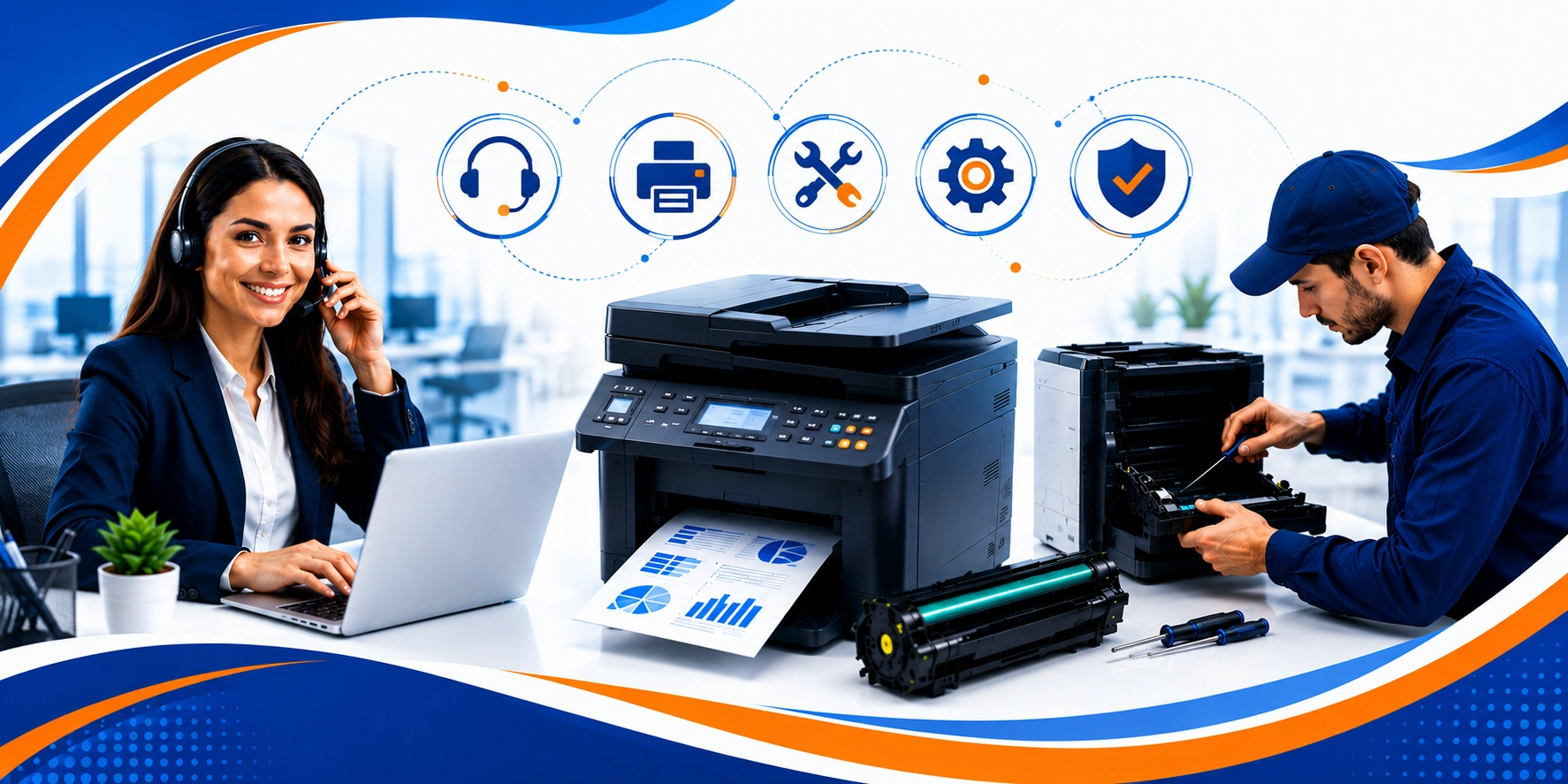
Remote troubleshooting can address supported software, driver, queue and network issues. Physical damage, internal components and parts replacement may require hands-on service. NextGenAssist does not operate walk-in offices; any onsite appointment must be checked for the ZIP code and confirmed before booking.
Helpful preparation tips
- Use official manufacturer downloads and documentation.
- Do not trust unsolicited calls or pop-ups claiming your printer is infected.
- Keep a copy of the support scope and payment receipt.
- Report suspicious activity to the relevant platform or payment provider.
Need help with safe remote printer support: privacy and security checklist?
Contact NextGenAssist with your printer model and the exact issue. The team can confirm whether remote support is suitable.
Frequently Asked Questions
Will these steps work for every printer?
No. Menus and supported features differ by model. Use the manufacturer's instructions for your exact model and operating system.
Where should I download printer software?
Use the printer manufacturer's official support website or operating-system update channel. Avoid unknown driver download and updater sites.
What if the setup still does not work?
Record the model number, operating system, connection method and exact error, then request support for a model-specific diagnosis.
Service note: NextGenAssist is an independent support provider and is not affiliated with HP, Canon, Epson, Brother, or other printer manufacturers. Support scope, pricing, remote access and any onsite availability are confirmed before work begins.